















Is Your Business Set Up for the Tools You Use Every Day?
August 13, 2026 Category: Business Services
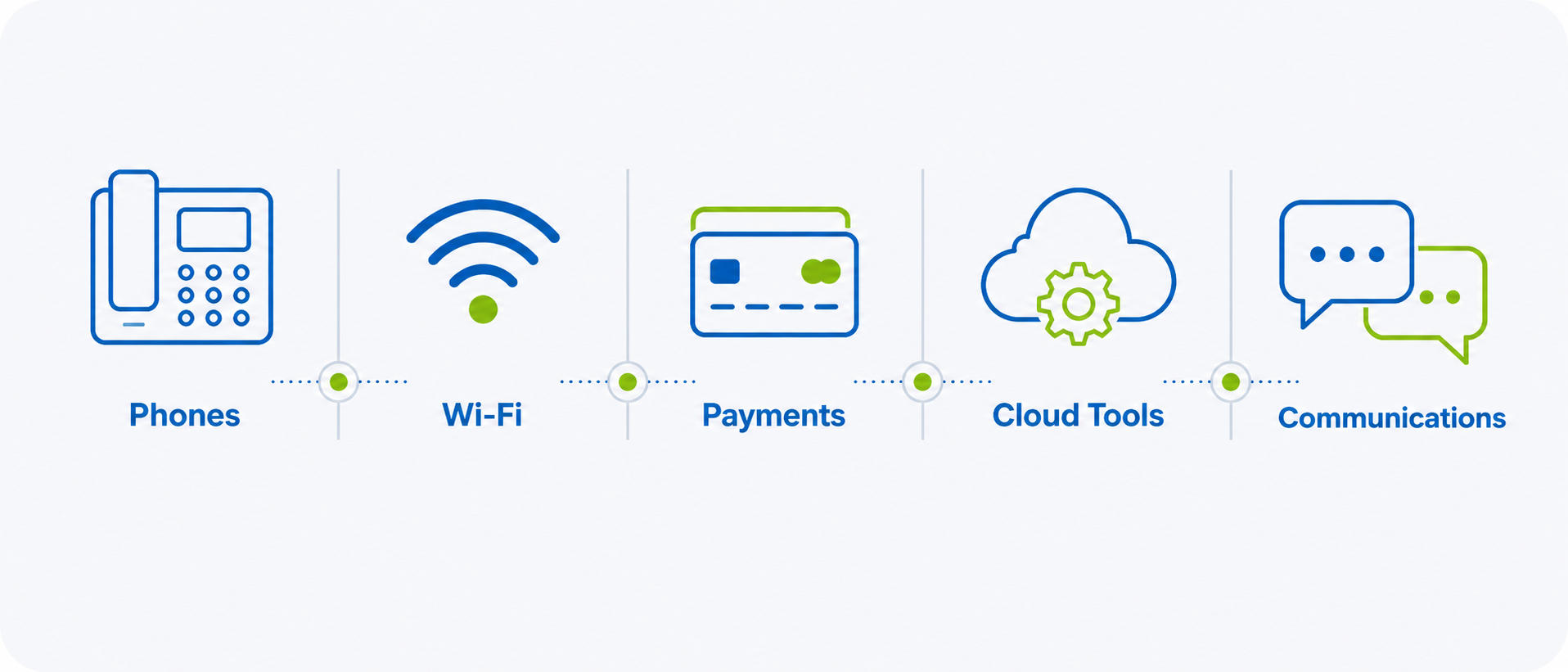
A typical workday depends on a lot of small connected moments. A payment goes through. A phone call comes in. A staff member checks a schedule. A customer uses Wi-Fi while waiting. Someone opens a cloud file, updates an order, or checks information from another device.
None of these actions may seem significant on their own. They are simply part of how the business runs. But together, they show how many everyday tasks now rely on Internet, Wi-Fi, phone, and network services working together in the background.
When everything is working well, those systems are easy to take for granted. As businesses add more staff, more devices, new software, or new ways of serving customers, it becomes helpful to ask whether the setup behind those systems still reflects how the business operates today.
Being “set up” means your Internet, Wi-Fi, phone, and network services still reflect the tools, systems, and workflows your business depends on today. That does not always mean something needs to change. It means the business has a clearer picture of what it depends on.
More of the Workday Runs Online
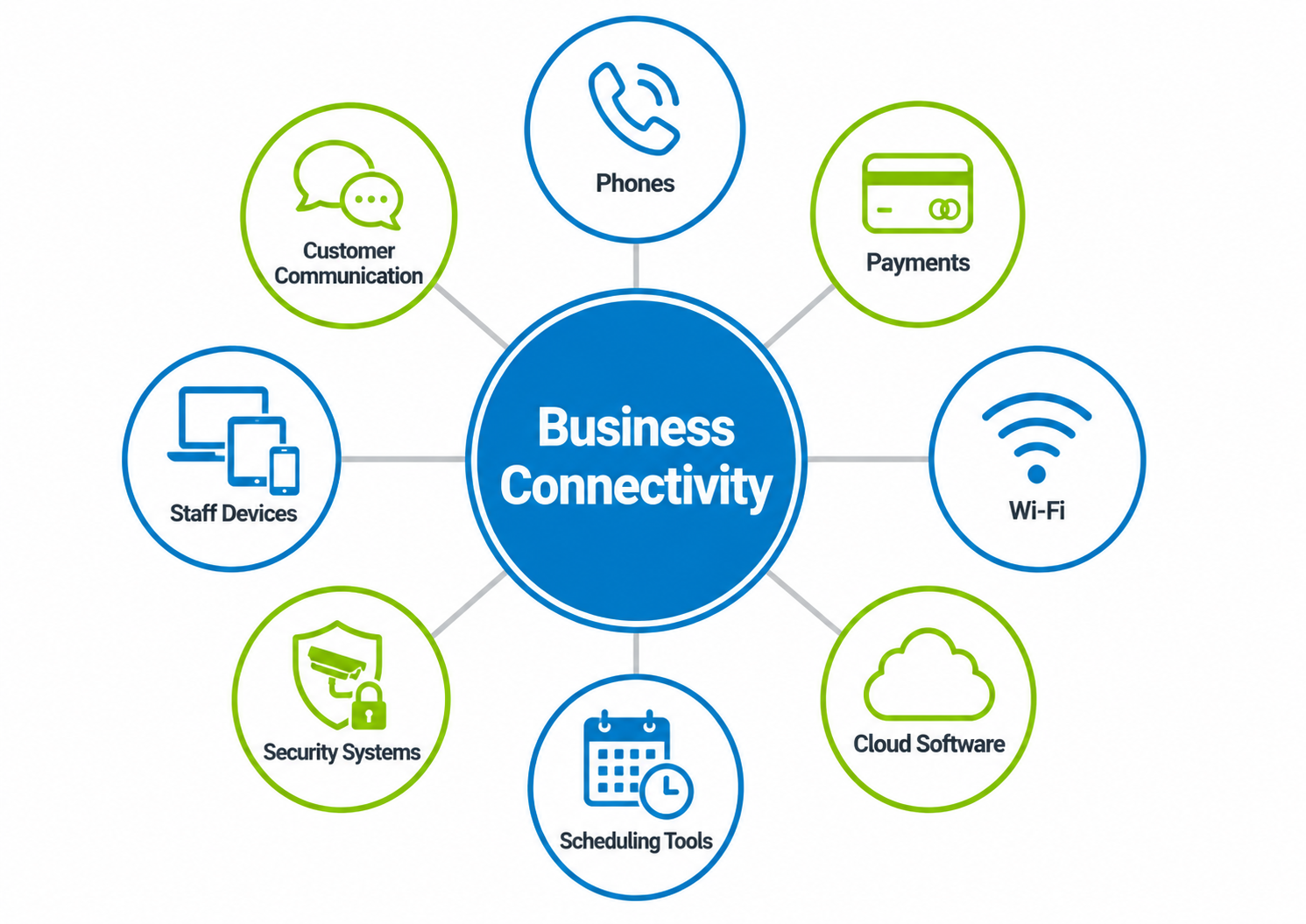
Business Internet is no longer just used for email, web browsing, and basic office tasks. For many Ontario businesses, connectivity now supports phone systems, payment terminals, cloud-based platforms, video meetings, customer portals, file sharing, scheduling tools, security systems, and connected devices throughout the workplace. For businesses that rely heavily on customer calls, Business Voice can also be an important part of that connected environment.
In a retail store, that may include a point-of-sale system, debit terminal, guest Wi-Fi, inventory tools, and cameras. In a professional office, it may include cloud files, phone service, shared applications, video calls, and remote access. In a clinic, restaurant, warehouse, or service business, the tools may look different, but the reliance is similar.
More of the workday now runs through connected systems. That makes connectivity part of the operating environment, not just a service in the background.
Everyday Changes Can Add Up Over Time
Business needs often change gradually. A new employee joins the team. A new software platform is added. Staff begin using more cloud-based files. A payment system is updated. Guest Wi-Fi becomes more important. More devices are connected throughout the workplace. A phone system starts supporting more customer calls. Each change may seem small on its own. Over time, those changes can add up.
The services that worked well when the business had fewer users, fewer systems, or different workflows may now be supporting more than they were originally set up to handle. That does not mean the current setup is wrong. It means the business has evolved.
This is especially true for small and mid-sized businesses that grow in practical, everyday ways. Growth is not always a major expansion. Sometimes it looks like more customers, more connected systems, more staff using shared tools, or more work happening online throughout the day.
Why a Clearer View Can Help Your Business Plan Better
Many businesses know which Internet, phone, or Wi-Fi services they have. Fewer have a clear view of everything those services support. That matters because connected systems are often linked together in daily operations. If staff use Business Wi-Fi for tablets, payment systems, cloud software, scheduling tools, and customer communication, Wi-Fi is not just a convenience. It is part of how work gets done.
The same applies to Business Internet, Voice, and Network Solutions. These services may support more day-to-day activity than expected, especially when several systems are being used at the same time.
For business owners and decision makers, understanding that full picture can make planning easier. It can show whether the current setup still fits the way the business works, whether certain areas need more consistent support, or whether a more managed network environment could help simplify how everything works together.
A clearer view can also support better cost-awareness. It can help identify whether the business is using the right services for how it operates today, whether certain systems need more reliable support, or whether there are areas where the current setup no longer matches the way work is being done.
The benefit is not only technical. It is practical. Understanding what your connectivity supports can help your business make more informed decisions, avoid reactive changes later, and plan with more confidence as needs evolve.
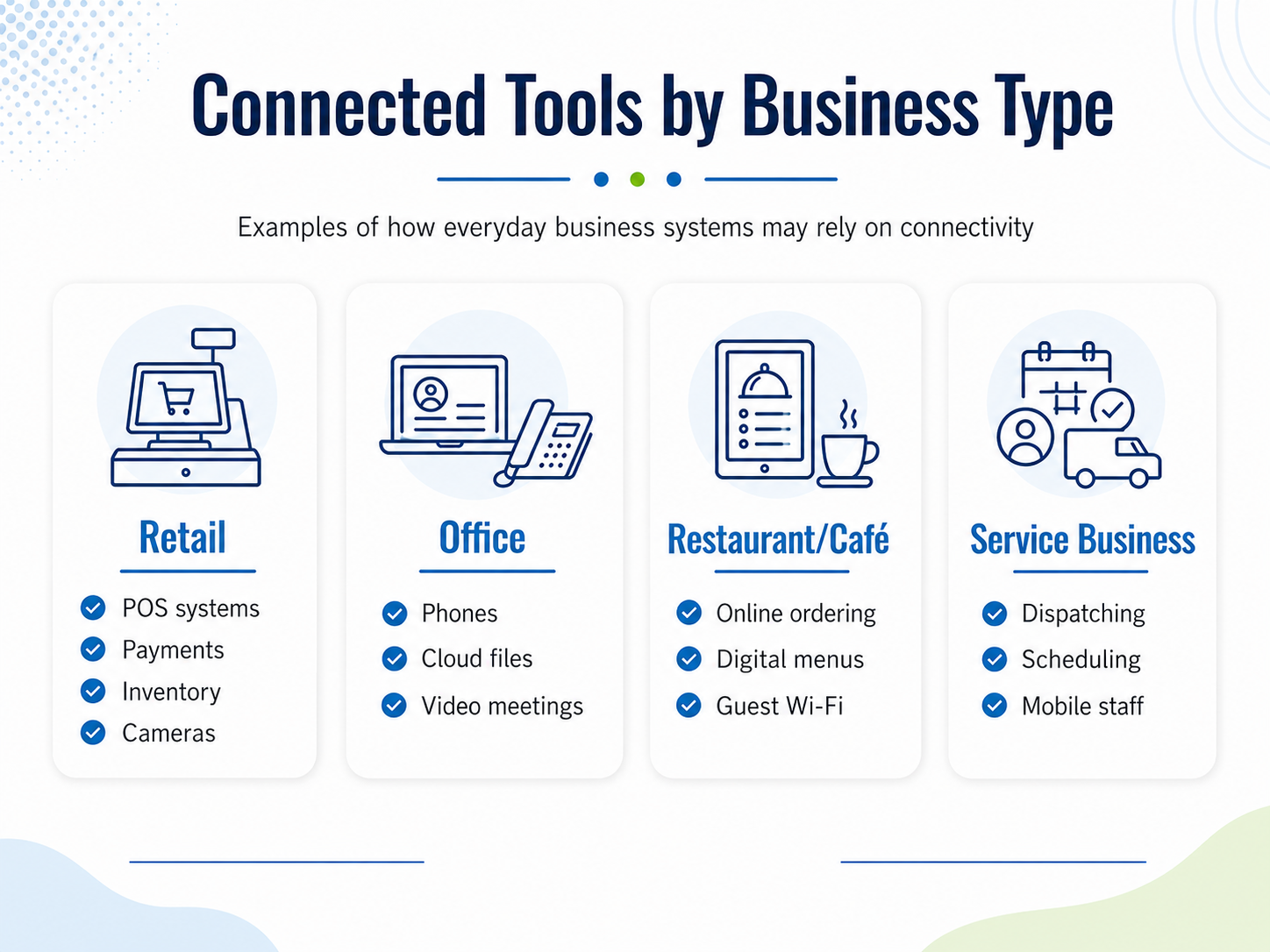
Examples of Connected Tools by Business Type
Every business uses connected tools differently. The right setup depends on how the business operates, which systems are most important, and how staff and customers interact throughout the day.
- For a retail business, connectivity may support payment terminals, point-of-sale systems, guest Wi-Fi, inventory tools, cameras, and customer communication.
- For a professional office, it may support cloud files, phone systems, video meetings, shared applications, remote access, printers, and staff devices.
- For a restaurant or café, it may support debit terminals, online ordering, digital menus, guest Wi-Fi, scheduling tools, phones, and staff devices.
- For a service-based business, it may support dispatching, scheduling platforms, customer calls, shared files, mobile staff, and cloud-based systems used in the field.
- For a clinic, studio, or appointment-based business, it may support booking systems, phones, payment tools, customer records, Wi-Fi, security systems, and staff communication.
The details may vary, but the larger point is the same: more everyday business activity depends on connected systems working together.
What to Look at Before Making Changes
Taking a closer look at your connected environment does not need to be complicated. It can start with a few simple questions about how your business works today.
What systems does your team rely on every day to communicate, serve customers, process payments, access files, or manage work? Which of those systems rely on Internet, Wi-Fi, phone, or network services? Have you added more users, devices, software, or customer-facing systems since your services were first set up?
It can also help to think about which systems are most important during busy periods. Phones, payment systems, staff devices, guest Wi-Fi, cloud tools, and security systems may all be active at the same time.
Consider whether any connected systems would interrupt the workday if they became unreliable. For some businesses, that may be payments or phones. For others, it may be scheduling software, cloud files, remote access, customer portals, or Wi-Fi-connected devices.
It is also useful to think about support. Do staff know who to contact if something is not working? Are services managed separately, or is there a clear point of contact? Has the business added new systems without taking a broader look at how everything works together?
That does not automatically mean the business needs a different service. It simply helps show what the current environment is supporting. For a related look at signs your current setup may need attention, read When It’s Time to Upgrade Business Internet. For decision makers, that clarity can be valuable. It provides a better view of what the business depends on today and where future planning may be helpful.
Planning for a More Connected Business
As businesses become more connected, planning becomes less about looking at one service on its own and more about understanding how everything works together.
Internet, Wi-Fi, phones, network services, and support all play a role in helping the business stay organized, responsive, and ready for everyday work. When those pieces are aligned with how the business operates, staff can access the tools they need more consistently, customer-facing systems are better supported, and future changes become easier to plan for.
For some businesses, the current setup may still be a good fit. For others, taking a closer look may reveal areas where Wi-Fi coverage, voice services, connected devices, or Network Solutions could be better aligned with how the business works today. The value is in having a clearer picture before decisions feel rushed.
Connected systems are now part of the everyday workday. Taking time to understand what supports them can help your business make practical decisions, plan with more confidence, and stay prepared as needs continue to evolve.
Explore Business Solutions
Execulink Business offers Internet, Voice, Wi-Fi, and Network Solutions designed to support the way businesses operate today, backed by Ontario-based support.
Explore Business Solutions at execulink.ca/business.