
For many businesses, the question is not whether Internet performance matters. It is whether the current setup still fits how the business operates. Internet performance rarely fails all at once. Instead, small changes begin to appear, slower systems, inconsistent performance, or workarounds becoming part of the workday.
Understanding when to upgrade business Internet starts with recognizing when those changes are no longer temporary, but part of a pattern.
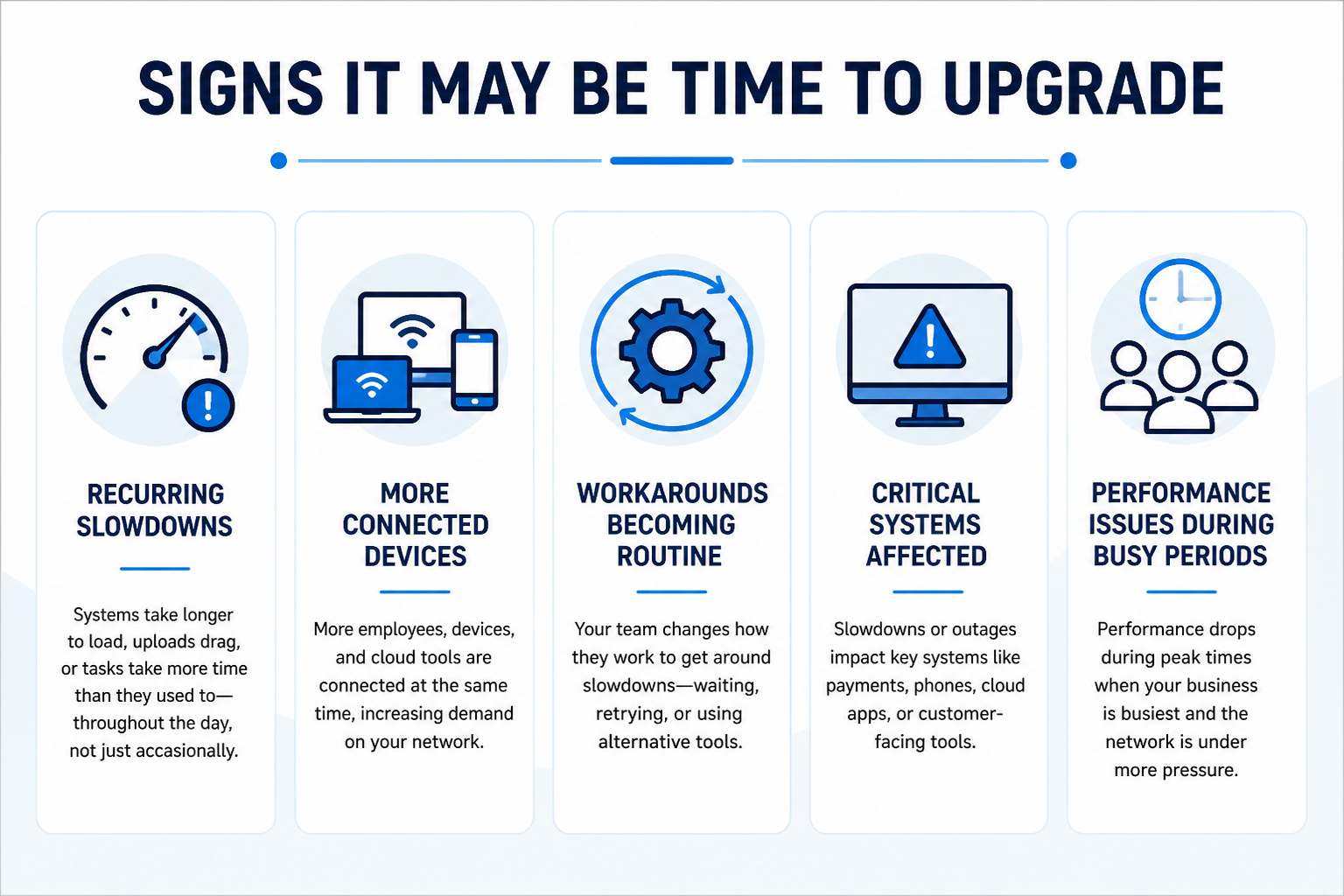
Performance Issues That Keep Coming Back
Occasional slowdowns can happen. However, when performance issues become consistent, they are often a sign of a larger limitation.
You may notice:
- systems taking longer to load throughout the day
- cloud-based tools slowing down during busy periods
- video calls becoming less reliable
- file uploads or downloads taking longer than expected
- routine tasks starting to feel less efficient
When these issues happen regularly, the problem is no longer just a temporary slowdown. It may be a sign that your network is under more pressure than it was designed to support.
Growth That Outpaces Your Network
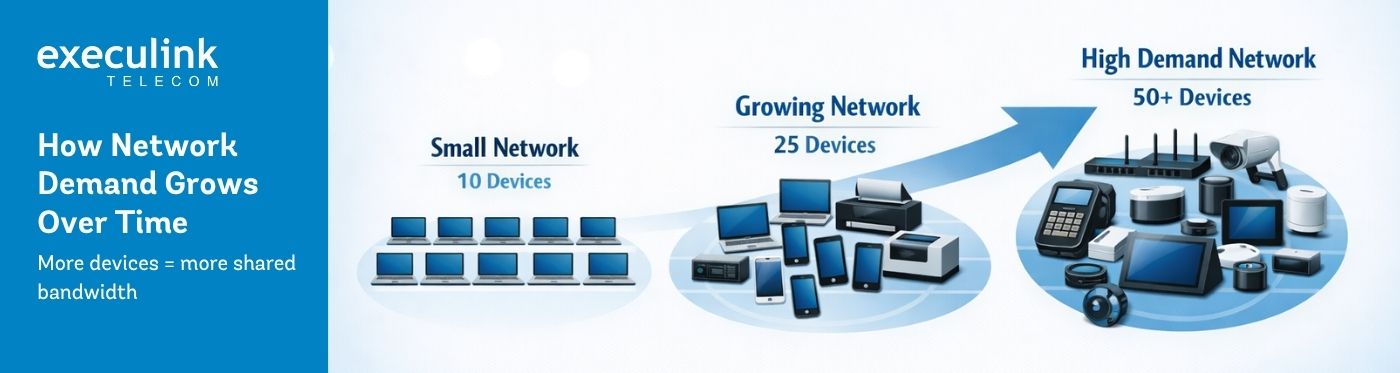
As businesses grow, connectivity needs change. This often happens gradually. A business may add employees, cloud tools, security cameras, payment systems, guest Wi-Fi, or more connected devices without reviewing whether the original Internet setup still fits.
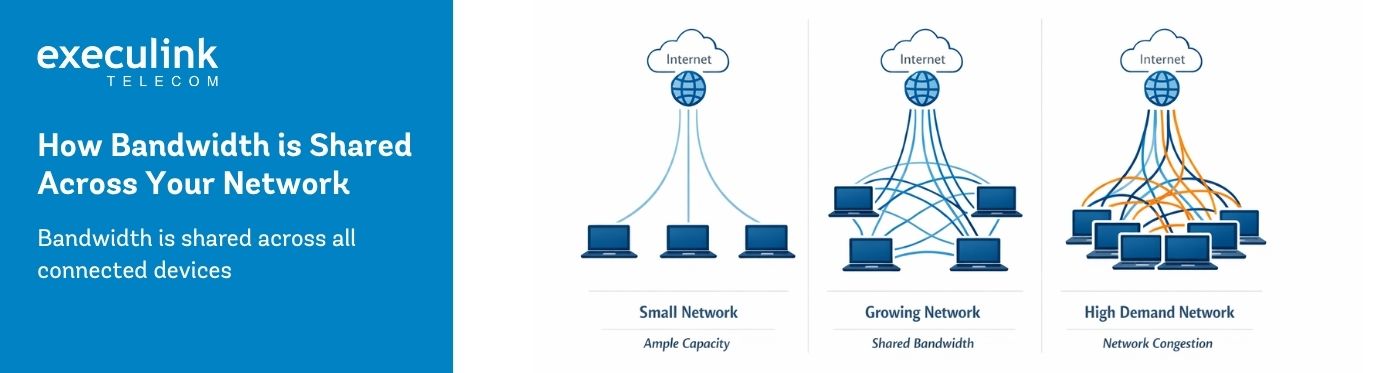
Over time, those small additions add up. More users, more systems, and more simultaneous activity can increase demand on the network, even if the Internet plan itself has not changed. Growth is a positive sign, but it often requires the network to grow with it.
When Workarounds Become Routine
One of the clearest signs that it may be time to upgrade business Internet is when workarounds become part of the workday. Employees may wait to upload files, avoid video calls during busy periods, retry actions, or switch systems to get tasks done. These adjustments can seem minor at first, but they create friction over time.
If staff have changed how they work because the network cannot reliably support normal activity, that is worth paying attention to. At that point, the issue is no longer just about speed. It is affecting how work gets done. This is often the point where businesses begin to consider whether their current setup still fits.
When Slowdowns Affect Business-Critical Systems
Not every slowdown has the same impact. A delay on guest Wi-Fi is one thing. A delay affecting payment systems, phones, booking tools, cloud applications, or customer-facing systems is something else.
When performance issues begin affecting the tools your business relies on most, it may be time to take a closer look at your current setup. The question is not only, “Is the Internet slow?” It is, “What is the slowdown affecting?”
Limits of Your Current Setup
Not all performance issues are caused by speed alone. In some cases, the limitation may be related to how your service is delivered, how your network is structured, or how it performs under load.
Common limitations may include:
- limited upload capacity affecting cloud tools
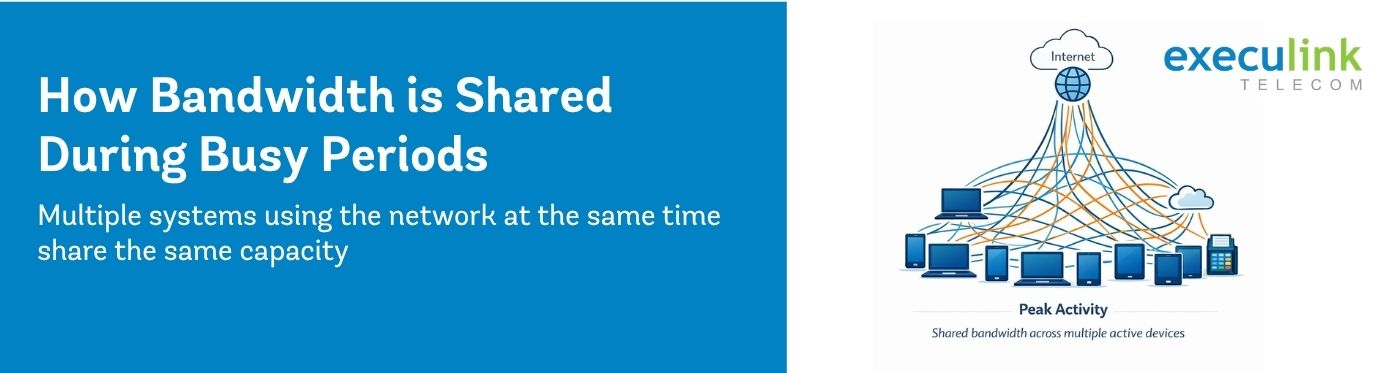
- inconsistent performance during peak demand
- older infrastructure that no longer supports current usage
- too many systems relying on the same connection at once
Understanding these limitations helps clarify whether an upgrade is needed and what type of upgrade would be most effective.
How to Decide What to Do Next
Recognizing the signs is the first step. The next step is understanding what they mean for your business.
Start by looking at:
- when performance issues occur
- which systems are most affected
- how many users and devices are active
- whether issues are occasional or recurring
- whether your current setup still supports daily operations
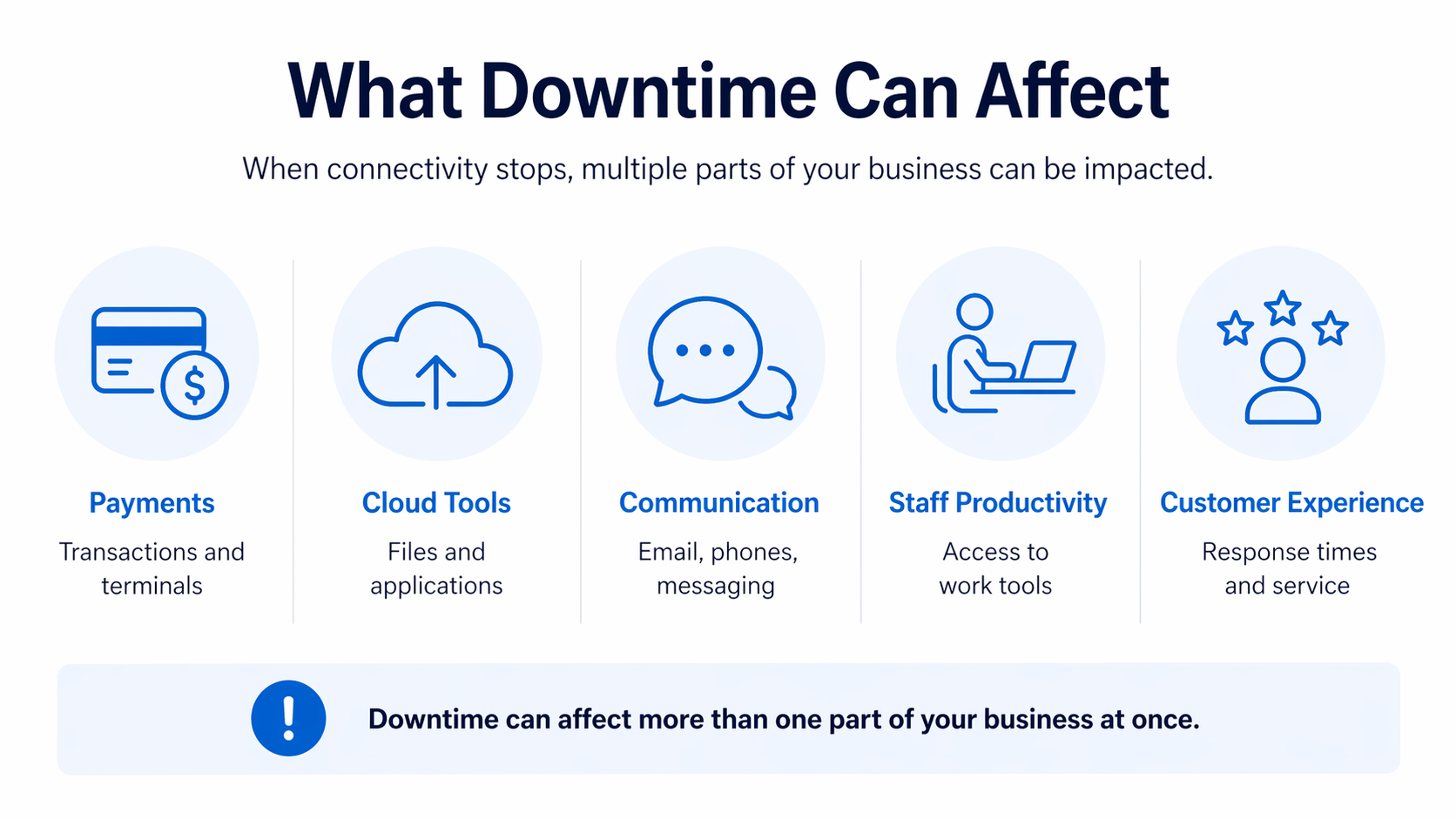
The goal is not to react to a single issue, but to recognize when multiple signals point to the same conclusion. It may also help to review the business cost of downtime and what causes Internet slowdowns during busy periods to better understand how performance issues can impact operations.
This review can help determine whether small adjustments may be enough or whether it is time to upgrade business Internet.
Planning the Right Upgrade
Upgrading does not always mean choosing the highest speed available. The right upgrade should reflect how the business actually uses the connection. That includes how many people rely on it, what systems are connected, when demand is highest, and how the business may grow in the future.
A better-fit solution may involve:
- increasing capacity
- improving performance during peak usage
- supporting more connected devices
- upgrading infrastructure
- reviewing how connectivity is structured
The goal is to make sure your network supports the business without creating friction.
Internet connectivity plays a central role in how businesses operate. When performance starts to change, it is often a sign that something needs to be reviewed. Understanding when to upgrade business Internet helps businesses recognize issues earlier, support growth, and avoid ongoing performance challenges.
If your business is experiencing ongoing connectivity challenges, exploring Execulink Business Internet solutions can help you find an option that better supports your needs.